
FAQ's - Dual Zone Wireless ThermometerUpdated 2 days ago
How can I purchase the Dual Zone Wireless Thermometer?
You can purchase the Dual Zone Wireless Thermometer online here, call our sales team on (07) 3123 4715, or locate a store near you.
Where can I find the user manual for the Dual Zone Wireless Thermometer?
You can view and download the official user manual here: KAWLTHERM
What is the range of the KickAss Dual Zone Wireless Thermometer?
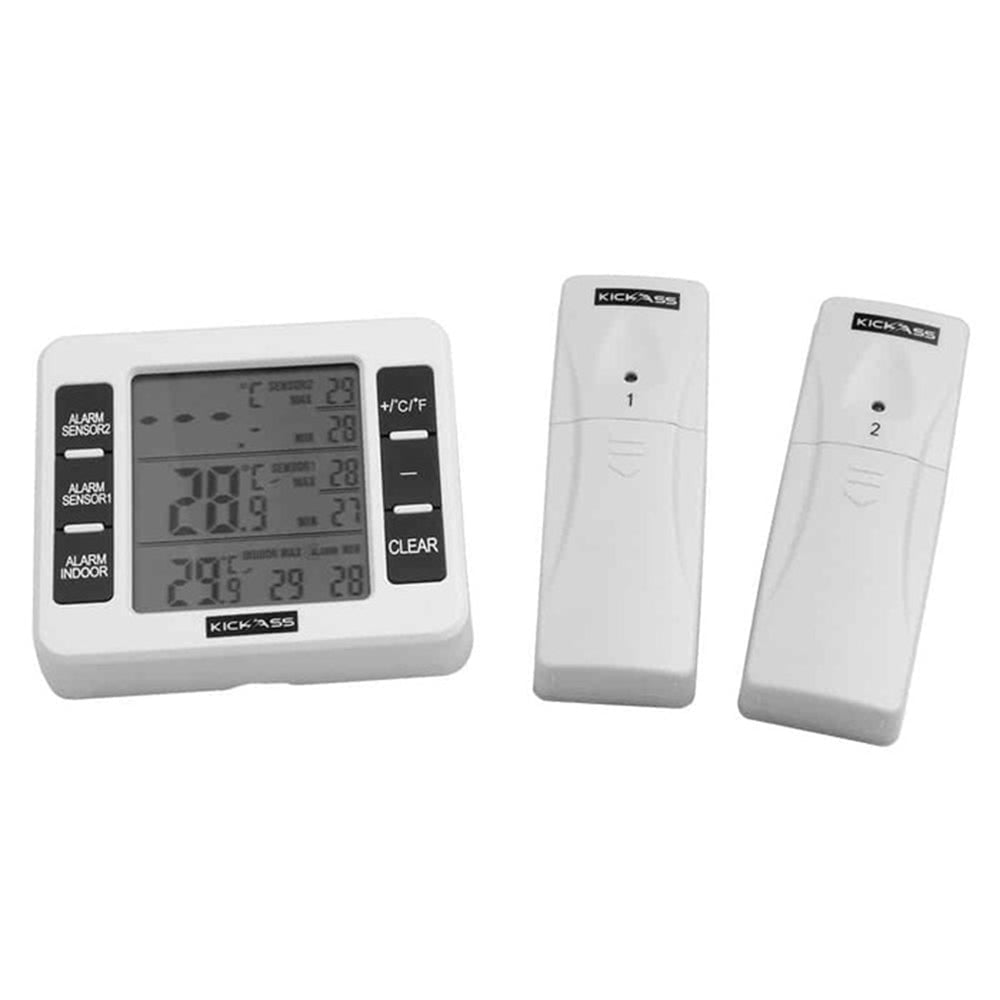
The KickAss Dual Zone Wireless Thermometer allows you to monitor your fridge’s temperature from up to 30 meters away (line of sight).
Does the KickAss Dual Zone Wireless Thermometer keep track of temperature records?
Yes, the KickAss Dual Zone Wireless Thermometer includes a memory function that records the minimum and maximum temperatures over time.
Can I use the KickAss Dual Zone Wireless Thermometer in a single-zone fridge?
Yes, you can! The Dual Zone Wireless Thermometer works perfectly in a single-zone fridge—just use one of the two included sensors to monitor the internal temperature. The second sensor can be left unused or repurposed for another application if needed.
Can I use multiple Dual Zone Wireless Thermometers at the same time?
Yes. Multiple KickAss Dual Zone Wireless Thermometers can be used at the same time once each set of sensors is correctly paired to its receiver.
How does sensor pairing work on the Dual Zone Wireless Thermometer?
Sensor pairing is automatic and occurs when batteries are inserted into the sensors and receiver.
What should I do when pairing multiple thermometers at the same time?
When pairing multiple thermometers, each unit must be paired separately. To ensure correct pairing, place the sensors and receiver for one thermometer at least 20 metres away from any other units during battery installation. Once pairing is complete, the units can be used side by side.
How do I fix a receiver that is paired to the wrong sensor?
Take the correct sensors and receiver and move them at least 20 metres away from any other thermometer units. Press and hold the CLEAR button on the receiver for 3 seconds, then release it once the beeping sound is heard. Leave the unit powered on and wait up to 2 minutes for the sensors to reconnect automatically, then release it once the beeping sound is heard. Leave the unit powered on and wait up to 2 minutes for the sensors to reconnect automatically.
What are the dimensions of the Dual Zone Wireless Thermometer?
The KickAss Dual Zone Wireless Thermometer's display unit measures 80mm (H), 100mm (W, and 20mm (D).
SKU: KAWLTHERM