
FAQ's - 32A Smart ACDC ChargerUpdated 3 months ago
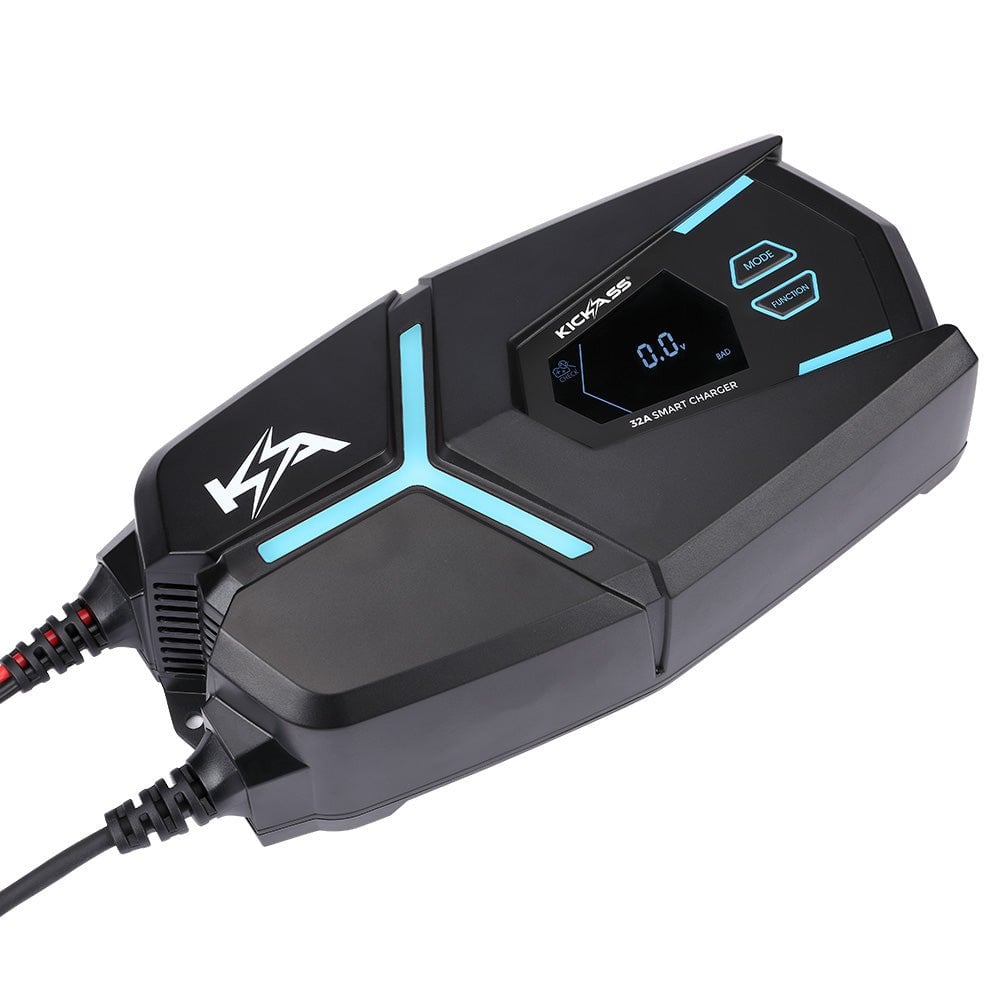
How can I purchase the 32A Smart ACDC Charger?
You can purchase the 32A Smart ACDC Charger online here, call our sales team on (07) 3123 4715, or locate a store near you.
Where can I find the user manual for the 32A Smart ACDC Charger?
You can find the user manual on our Support Portal.
Can you adjust the charging rate on the 32A Smart ACDC Charger?
The 32A Smart ACDC Charger has three selectable charging modes: 8A, 16A, and 32A, to suit a wide range of batteries. Always check your battery’s maximum charge current (amps) before charging for the first time. The charger’s selected mode must not exceed your battery’s maximum charge rate. Please refer to the table below for KickAss battery specifications:
Battery | Maximum Charge Current | Recommended Charge Mode |
120Ah AGM (Regular & Slim) | 25A | 16A |
170Ah AGM | 37.5A | 32A |
105Ah Slimline Lithium | 100A | 32A |
100Ah Lithium | 100A | 32A |
120Ah Lithium (Regular & Slim) | 50A | 32A |
200Ah Lithium | 100A | 32A |
What types of batteries can the 32A Smart ACDC charge?
The 32A Smart ACDC charger is compatible with AGM, Lithium, Lead Acid, and Gel battery types.
Can I use the 32A Smart ACDC Charger to test my vehicle’s battery?
Yes. The 32A Smart ACDC Charger can be used to test the status of your car battery, as well as its cranking performance. You can follow the detailed steps here.
Does the 32A Smart ACDC Charger support alternator testing?
The 32A Smart ACDC Charger can also be used to check the charging performance of your alternator. Please refer to the User Manual for instructions.
Why is the 32A Smart ACDC Charger displaying an ER8 error code?
The ER8 error code indicates that the 32A Smart ACDC Charger has entered over-temperature protection. This occurs when the charger's internal temperature exceeds approximately 85°C.
To resolve the error:
- Disconnect the charger from the mains power supply.
- Allow the charger to cool down in a well-ventilated area.
- Leave the charger disconnected for at least 15–30 minutes before reconnecting it.
If the ER8 error persists after the charger has cooled down, inspect the installation environment for inadequate ventilation, excessive ambient temperatures, or blocked cooling vents.
Will the Battery Test mode on the 32A Smart ACDC Charger work with lithium batteries?
No. The Battery Test mode on the 32A Smart ACDC Charger is designed for use with standard starter batteries only.
Note: KickAss batteries are designed as deep-cycle batteries and are not intended for engine starting applications.
What does the ER4 error mean on the 32A Smart ACDC Charger?
The ER4 error code indicates that the battery voltage has dropped by more than 2V within 5 minutes of charging. This may indicate that the battery is unable to hold charge, has an internal fault, or is in poor condition.
To help identify the cause, test the charger on a known good battery. If the charger operates normally on the second battery, the original battery may require further testing or replacement.
How much does the 32A Smart ACDC Charger weigh?
The 32A Smart ACDC Charger weighs 2kg.
What are the dimensions of the 32A Smart ACDC Charger?
Exterior: 298mm (L) x 152mm (W) x 87mm (H)
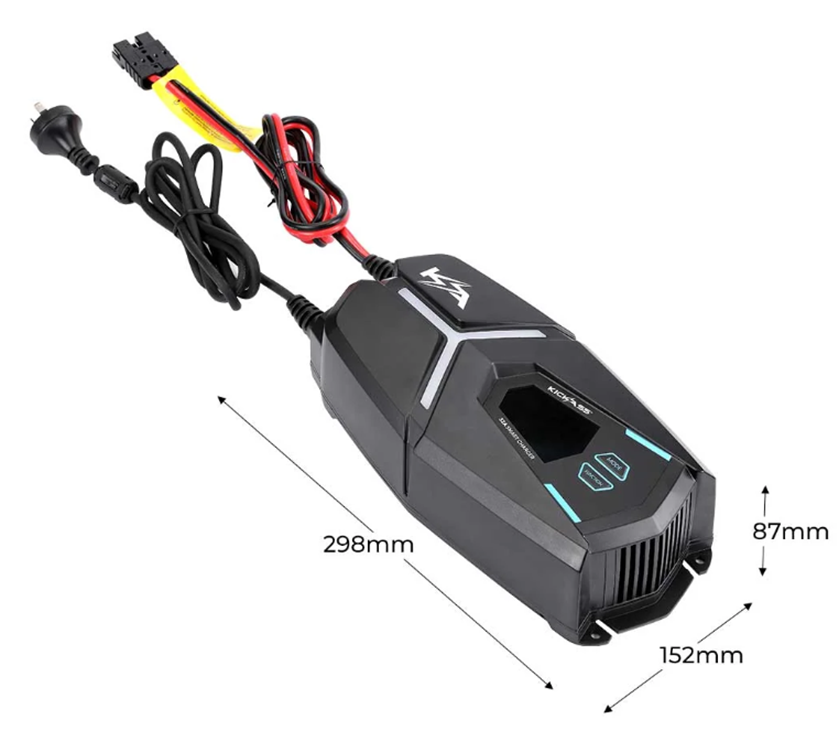
Power Cord Length: 1850mm
Anderson Cord Length: 1600mm
Anderson to Alligator Clamps: 650mm
SKU: KACHG1232